Tsarr Documentation - v2.11.2




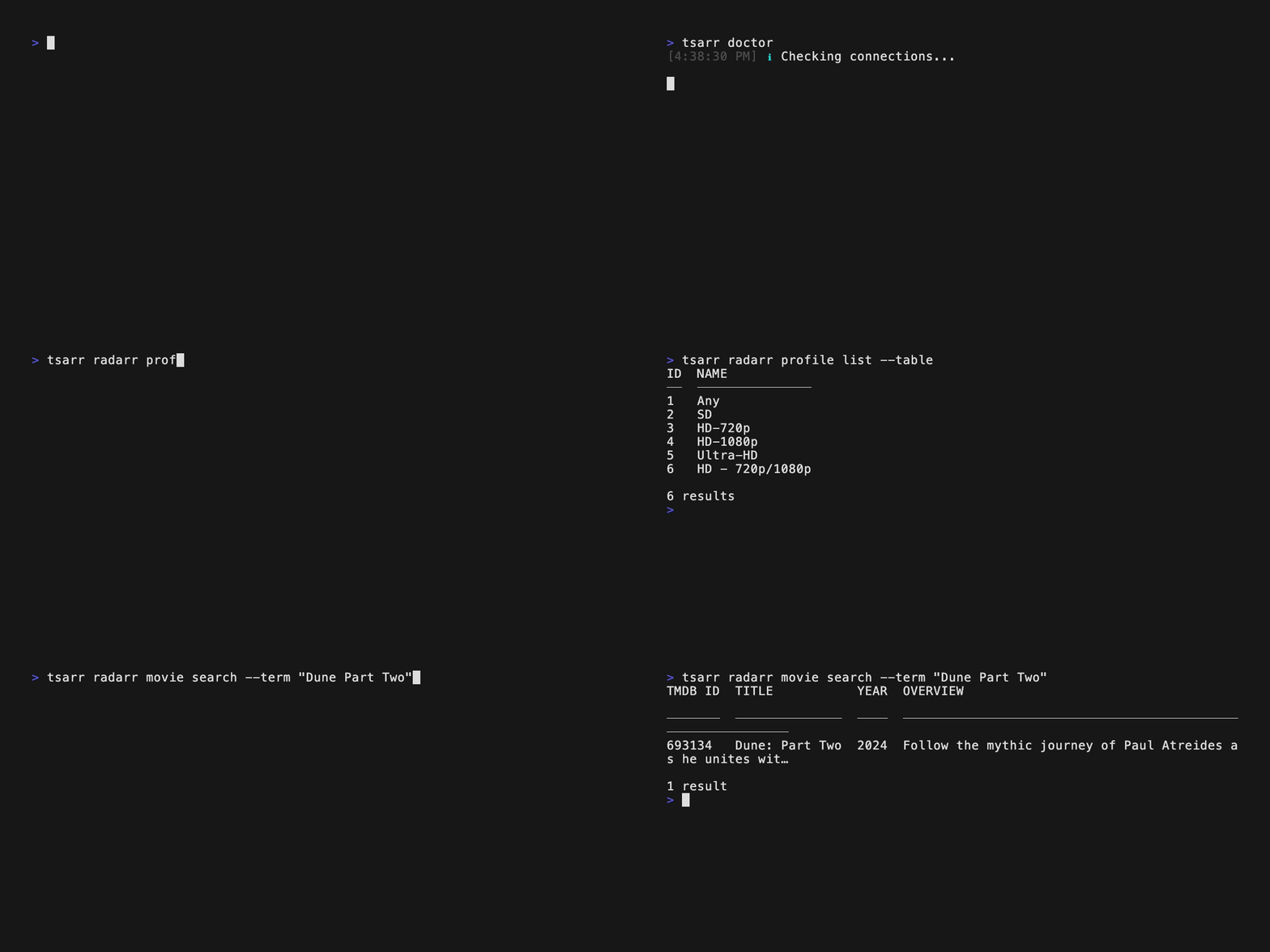
Tsarr is a CLI and TypeScript SDK for Radarr, Sonarr, Lidarr, Readarr, Prowlarr, Bazarr, qBittorrent, and Jellyseerr / Overseerr — eight services, one tool. Clients are generated directly from each project's official OpenAPI spec, so they're type-safe and stay in sync with upstream automatically. Drive it from your terminal, your scripts, your CI, or import it as a library.
Install
# CLI (global) or SDK (project dependency)
npm install -g tsarr # or: npm install tsarr
# Homebrew (macOS / Linux)
brew install robbeverhelst/tsarr/tsarr
# Standalone binary (no runtime needed)
curl -fsSL https://github.com/robbeverhelst/tsarr/releases/latest/download/tsarr-$(uname -s | tr A-Z a-z)-$(uname -m | sed 's/x86_64/x64/;s/aarch64/arm64/') -o /usr/local/bin/tsarr && chmod +x /usr/local/bin/tsarr
Other install methods (Bun, Docker, Scoop, Chocolatey, AUR, Nix, manual binaries)
# Bun
bun add -g tsarr # or: bun add tsarr
# Docker
docker run --rm ghcr.io/robbeverhelst/tsarr doctor
# Scoop (Windows)
scoop bucket add tsarr https://github.com/robbeverhelst/scoop-tsarr
scoop install tsarr
# Chocolatey (Windows)
choco install tsarr
# AUR (Arch)
yay -S tsarr-bin
# Nix
nix profile install github:robbeverhelst/tsarr?dir=packaging/nix
Pre-built binaries for every platform are published on each GitHub release. See docs/distribution.md for the full distribution flow.
🤖 Run Tsarr from chat
Tsarr ships as an OpenClaw skill — point a local AI assistant at your stack and manage it from WhatsApp, Telegram, Discord, or Slack.
openclaw clawhub install tsarr
Once installed, talk to your media stack in plain English:
"Add Dune Part Two to my 4K Radarr and let me know when it's ready."
"What's queued in Sonarr right now? Anything stuck?"
"Search Prowlarr for the new Radiohead release and send the best result to qBittorrent."
The skill itself lives in skills/tsarr/ in this repo, so improvements ship alongside the CLI.
CLI
# One-time setup — interactive wizard
tsarr config init
# Verify everything's reachable
tsarr doctor
# Use it
tsarr radarr movie search --term "Interstellar"
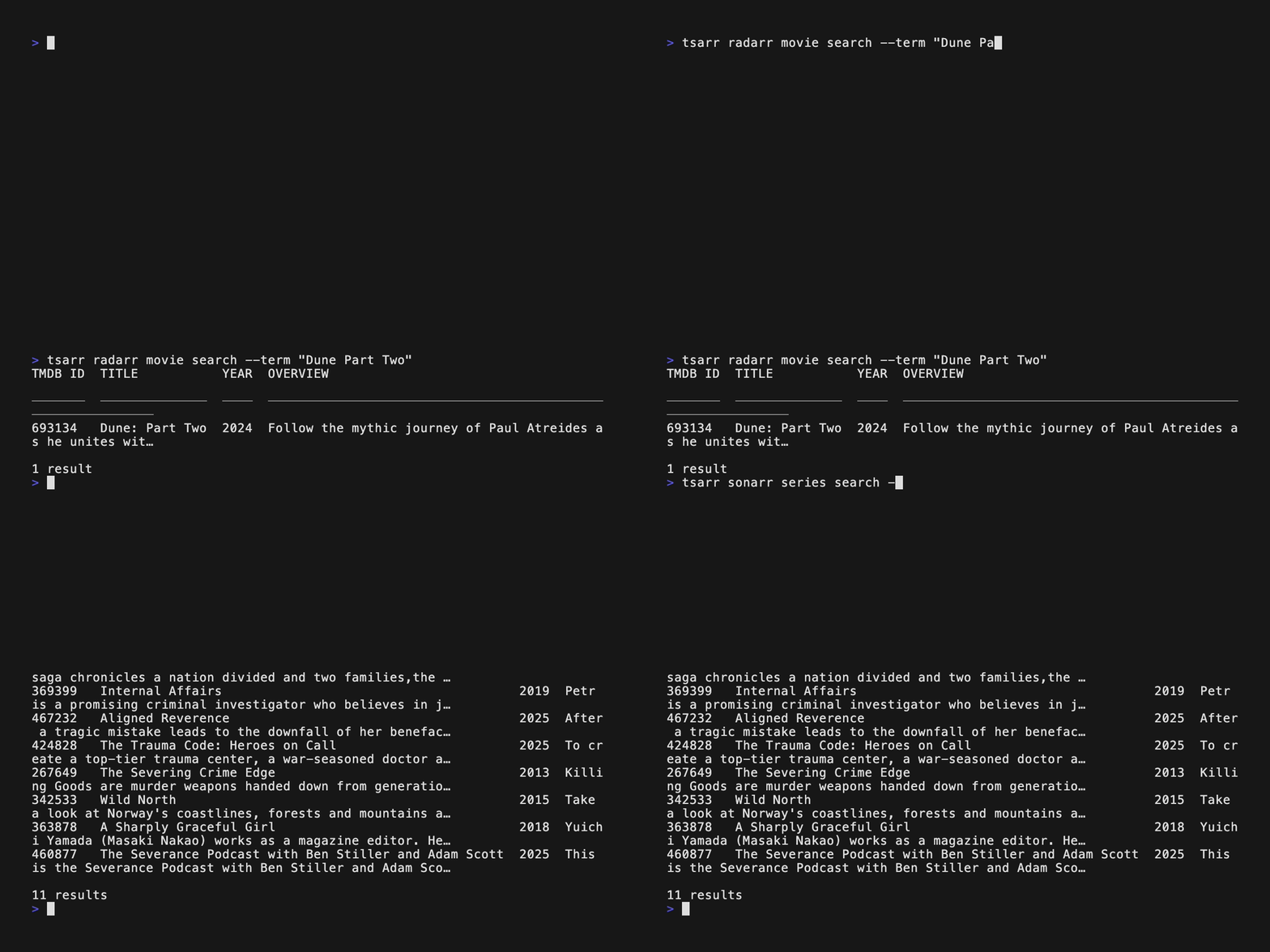
The CLI follows a predictable tsarr <service> <resource> <action> shape across all services, with --json / --table / --quiet output modes, shell completions, and a doctor command that pings every configured service.
Got more than one Radarr (or Sonarr, or anything else)? Give each one a name in your config and pick which to use with --instance 4K. See the CLI guide for setup.
See the full CLI guide for every command, scripting examples, output formats, and shell completions.
SDK
Use Tsarr from any TypeScript / JavaScript project. Same coverage as the CLI, with full types generated from each upstream OpenAPI spec.
import { RadarrClient } from 'tsarr/radarr';
const radarr = new RadarrClient({
baseUrl: 'http://localhost:7878',
apiKey: process.env.RADARR_API_KEY!,
});
const movies = await radarr.getMovies();
// Import only what you need — modular per-service entrypoints
import { SonarrClient } from 'tsarr/sonarr';
import type { SeriesResource } from 'tsarr/sonarr/types';
// Compose multiple services — one mental model, full types end-to-end
import { RadarrClient } from 'tsarr/radarr';
import { SonarrClient } from 'tsarr/sonarr';
const radarr = new RadarrClient({ baseUrl: 'http://radarr:7878', apiKey: '...' });
const sonarr = new SonarrClient({ baseUrl: 'http://sonarr:8989', apiKey: '...' });
const [movies, series] = await Promise.all([radarr.getMovies(), sonarr.getSeries()]);
console.log(`Library: ${movies.data?.length ?? 0} movies, ${series.data?.length ?? 0} series.`);
See the SDK guide and auto-generated API docs for the full surface.
Supported services
 |
Radarr — movie collection manager |  |
Sonarr — TV series collection manager |
 |
Lidarr — music collection manager |  |
Readarr — book & audiobook manager |
 |
Prowlarr — indexer manager |  |
Bazarr — subtitle manager |
 |
qBittorrent — download client |  |
Jellyseerr / Overseerr — media requests ( seerr subcommand, compatible with both) |
Docs
- CLI guide — every command, every flag
- SDK guide — typed clients, modular imports
- Examples — real-world automation scripts
- API reference — generated TypeScript docs
Support this project
If Tsarr saves you time, sponsorship on GitHub is appreciated.
Contributing
PRs welcome — see CONTRIBUTING.md. Bug reports and feature requests go in GitHub Issues.
Credits
Built on the work of the Servarr, qBittorrent, Jellyseerr, and Overseerr projects. Tsarr is just the glue.
License
MIT — see LICENSE.